Description
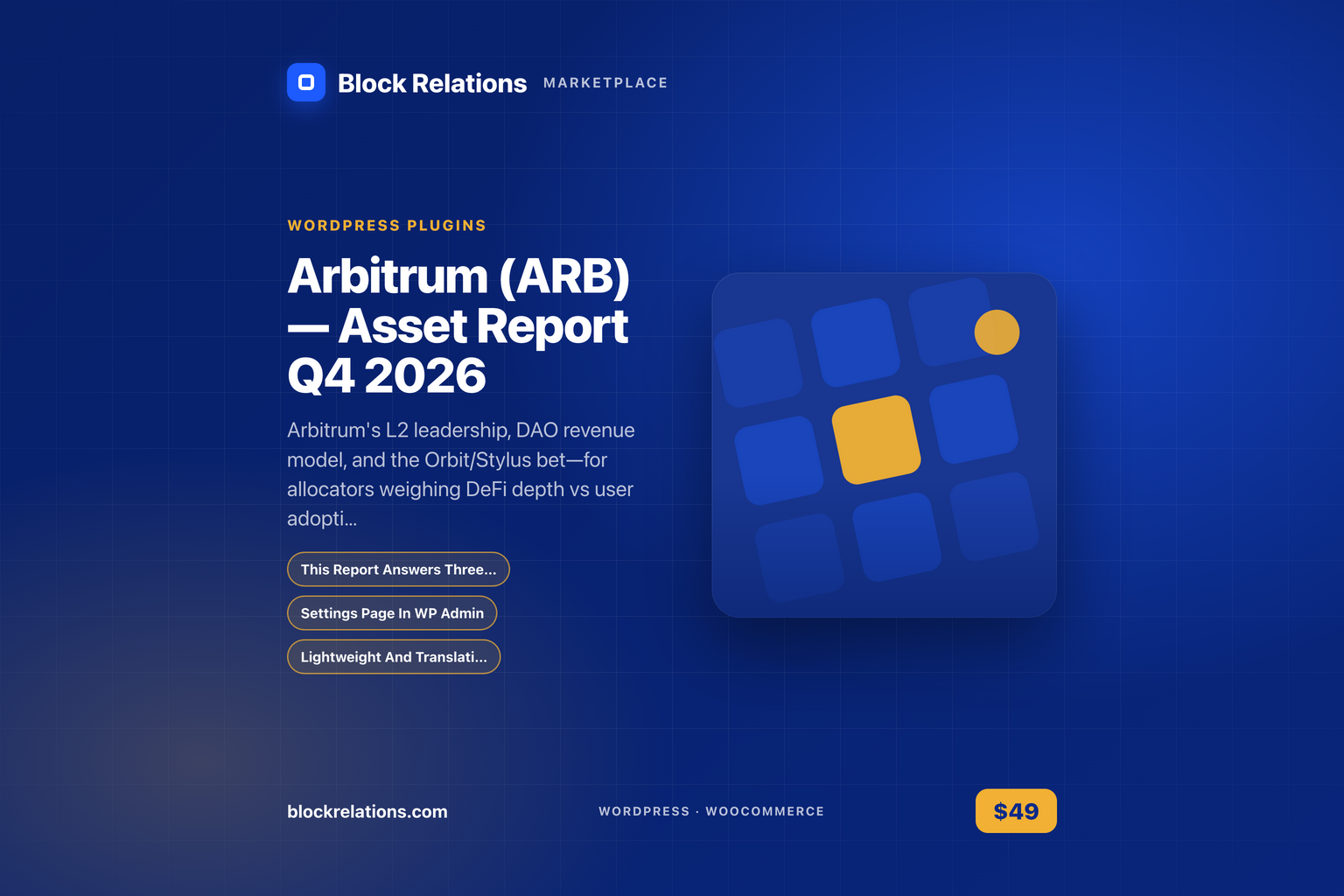
Arbitrum (ARB) — Asset Report Q4 2026 is a wordpress plugin for WordPress by CryptoLiveLeak. This report answers three critical questions for institutional allocators: (1) How does Arbitrum's L2 market position and sequencer revenue economics compare to peers, and what is the sustainability of its DAO treasury model?
Features
- This Report Answers Three Critical Questions — This report answers three critical questions for institutional allocators: (1) How does Arbitrum's L2 market position and sequencer revenue economics compare to peers, and what is the sustainability of its DAO treasury model?
- Settings Page In WP Admin — Settings page in WP Admin.
- Lightweight And Translation — Lightweight and translation-ready.
How it works

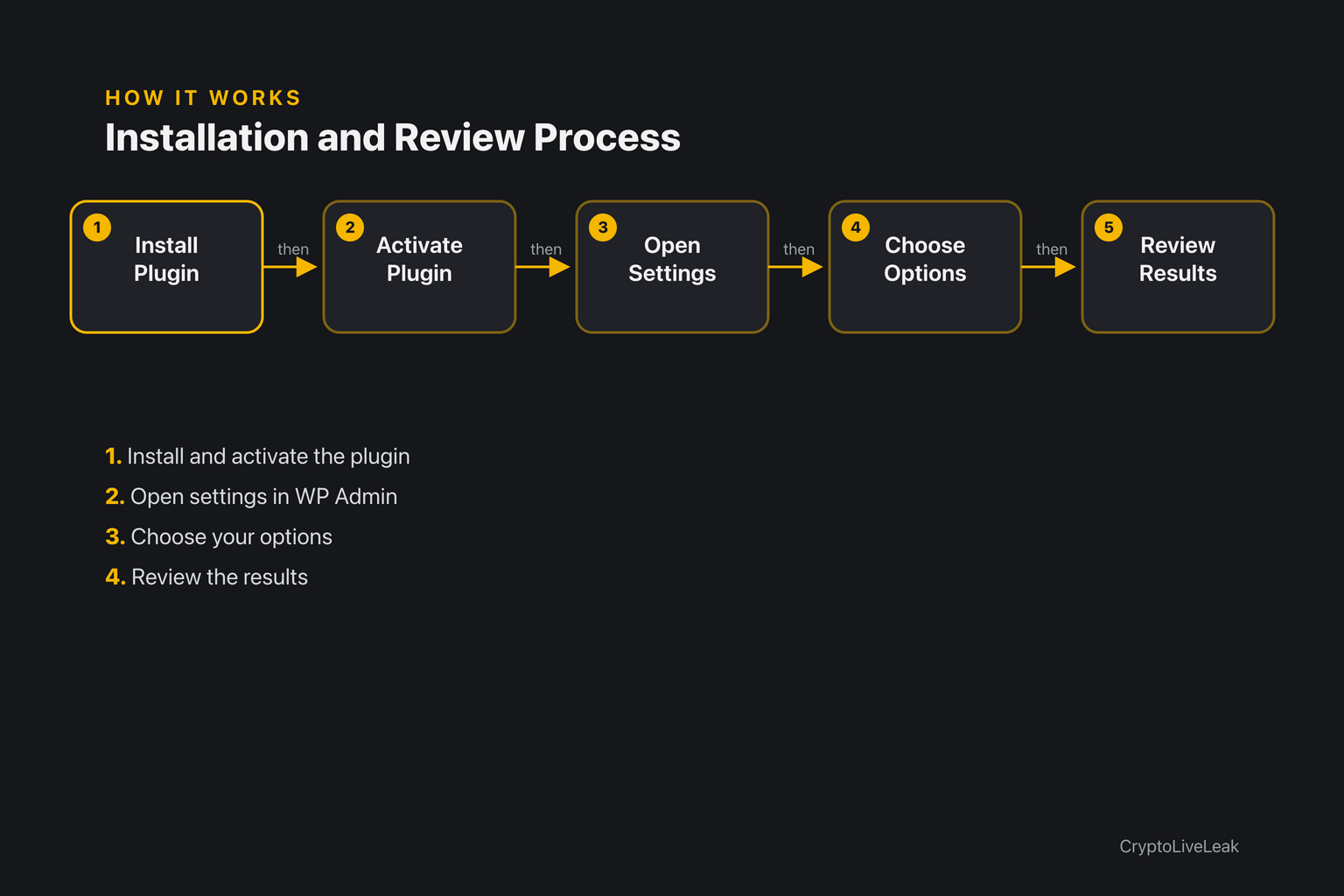
- Install and activate Arbitrum (ARB) — Asset Report Q4 2026.
- Open the Arbitrum (ARB) — Asset Report Q4 2026 settings in WP Admin and choose your options.
- Review the results in WP Admin.
Requirements
- A current WordPress install
Installation
- Download the plugin zip from your account after purchase.
- In WP Admin go to Plugins → Add New → Upload Plugin, choose the zip and click Install Now.
- Activate the plugin.
- Open the Arbitrum (ARB) — Asset Report Q4 2026 settings page and configure it.
Frequently asked questions
What does Arbitrum (ARB) — Asset Report Q4 2026 do?
This report answers three critical questions for institutional allocators: (1) How does Arbitrum's L2 market position and sequencer revenue economics compare to peers, and what is the sustainability of its DAO treasury model?
What are the requirements?
WordPress 5.8 or newer and PHP 7.4 or newer.
How do I install it?
Upload the zip in WP Admin → Plugins → Add New → Upload Plugin, then activate it.
Where are the settings?
In WP Admin, on the Arbitrum (ARB) — Asset Report Q4 2026 settings page. The user guide explains every option.
How do I get support?
Email contact@cryptoliveleak.com with your order number and site URL.
Support & documentation
- Support: contact@cryptoliveleak.com


Reviews
There are no reviews yet.